Display & video
Connect a computer, media source or display. Compare the ports and signal direction before selecting a cable or adapter.
Build an inquiry for this range11 connection types
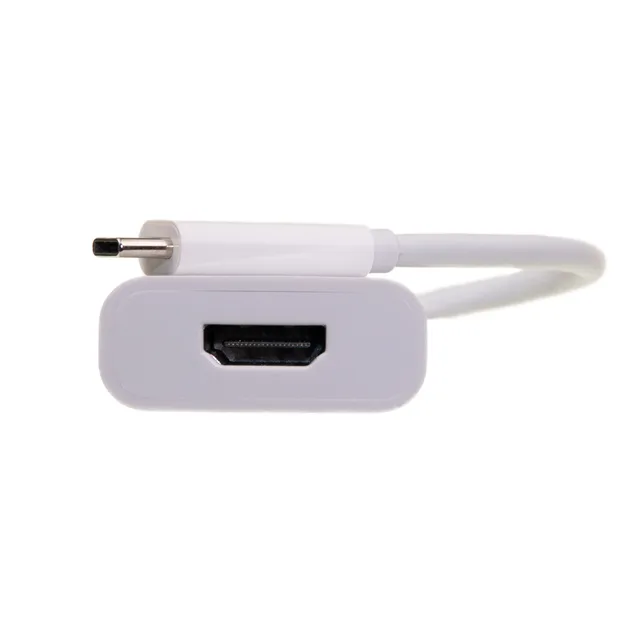
USB-C to HDMI adapter
Take a video signal from a compatible USB-C computer to an HDMI screen. The source port must support video output; a charging-only port cannot do this job.
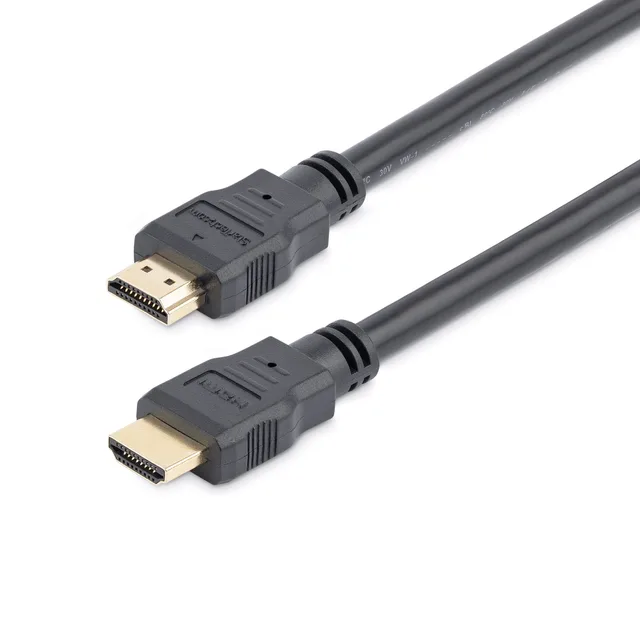
HDMI cable
Link an HDMI output to an HDMI input. Choose a cable around the complete display setup and installation distance rather than the connector name alone.
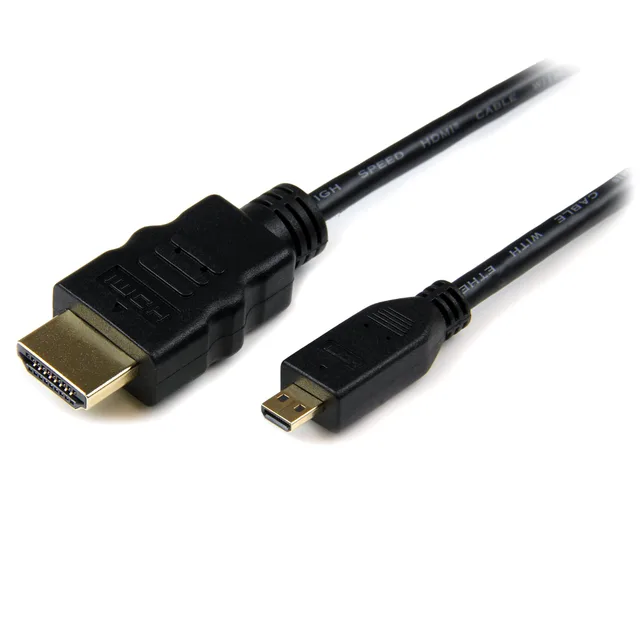
HDMI to Micro HDMI cable
Use the small Micro HDMI port on a camera or compact device with a full-size HDMI connection. Micro HDMI Type D and Mini HDMI Type C are different sizes.
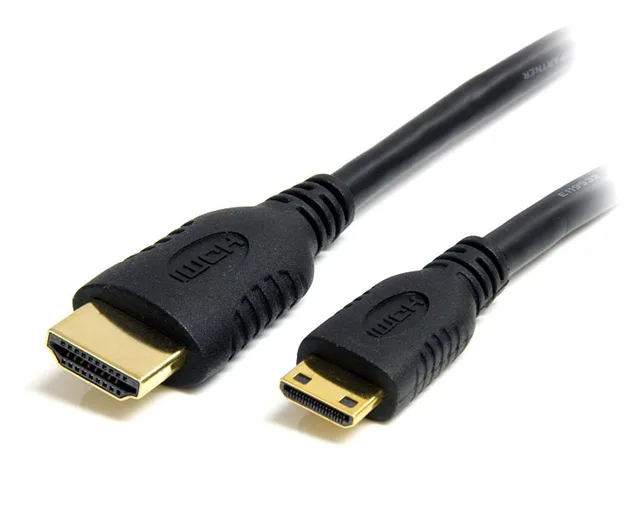
HDMI to Mini HDMI cable
Connect equipment with a Mini HDMI port to a standard HDMI connection. Match the smaller Type C plug and allow enough clearance around the device.
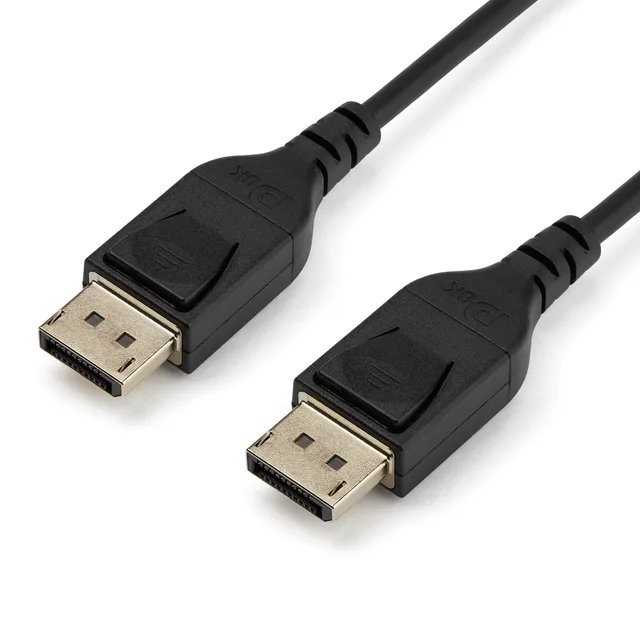
DisplayPort cable
Connect a DisplayPort source to a DisplayPort screen. The requested display format and cable route help determine the appropriate cable specification.
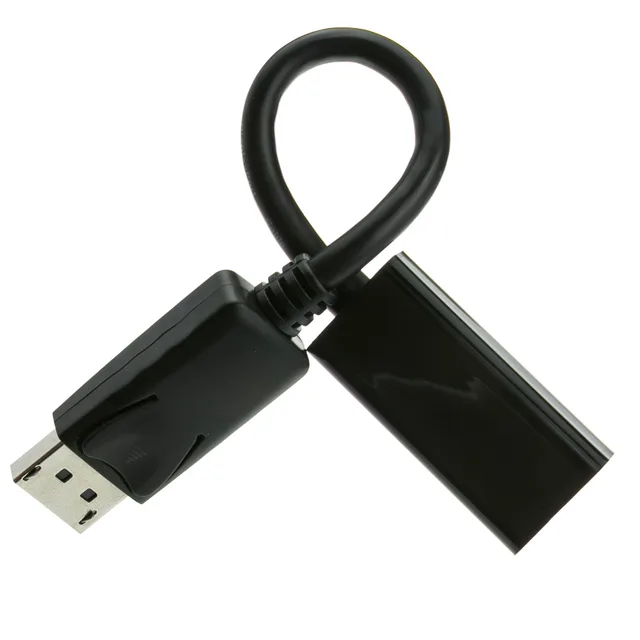
DisplayPort to HDMI adapter
Connect a DisplayPort video output to an HDMI display. Signal direction matters, and the complete setup determines whether an active adapter is needed.
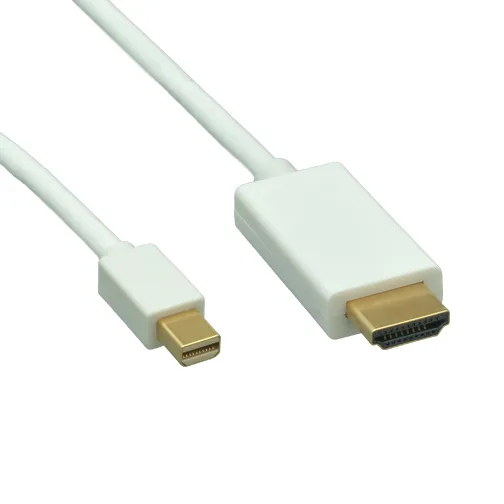
Mini DisplayPort to HDMI cable
Bring video from a Mini DisplayPort output to an HDMI screen. Confirm the source port and the picture format before choosing the cable.
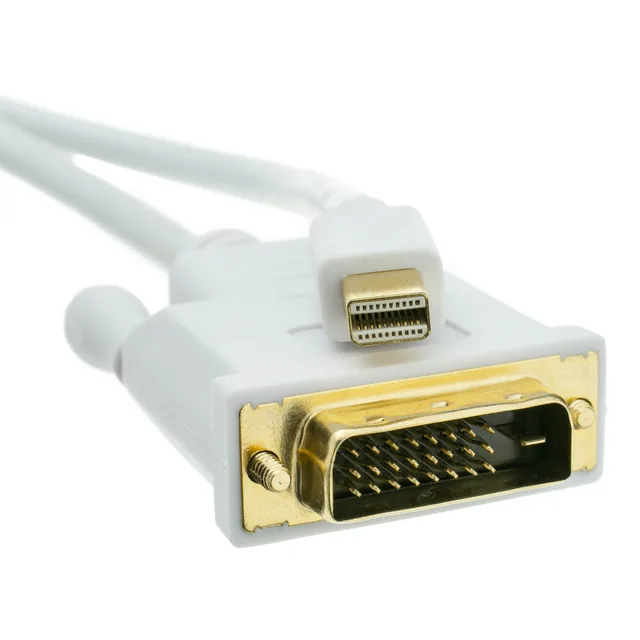
Mini DisplayPort to DVI cable
Connect a Mini DisplayPort video output to a DVI display. DVI connector layout and the required picture format must be considered together.
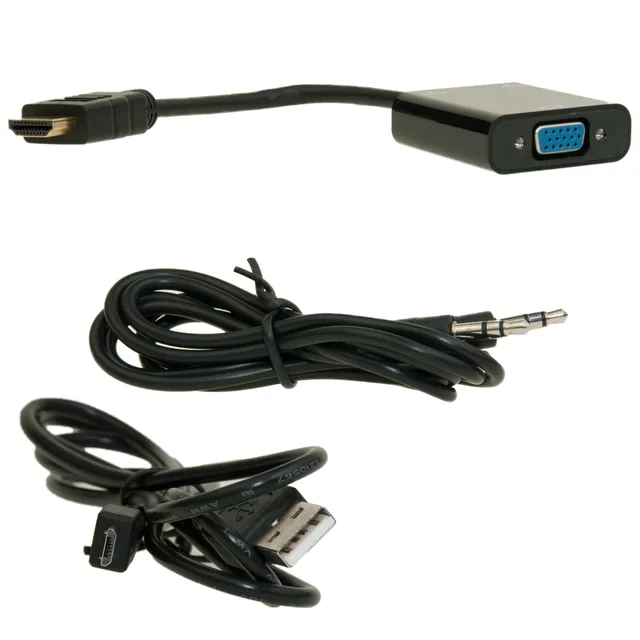
HDMI to VGA converter
Convert digital HDMI video for a VGA screen. This connection needs signal conversion, and power or separate audio may be part of the setup.
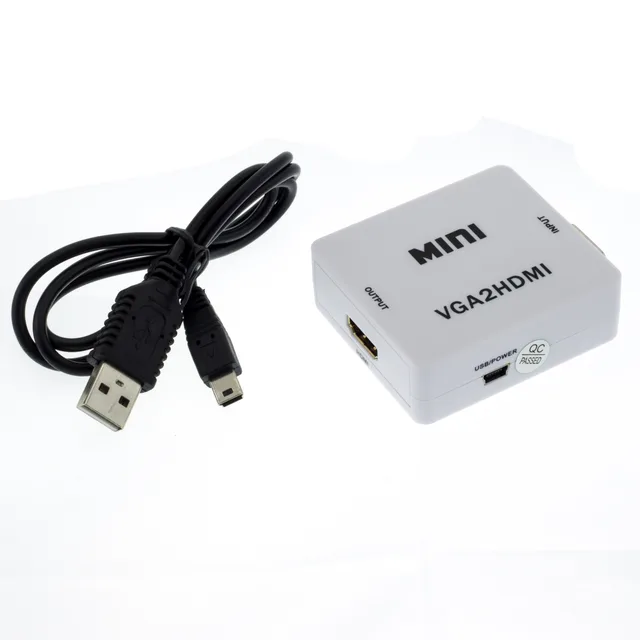
VGA to HDMI converter
Connect a VGA video source to an HDMI display through a converter. Explain the audio and power arrangement alongside the video requirement.
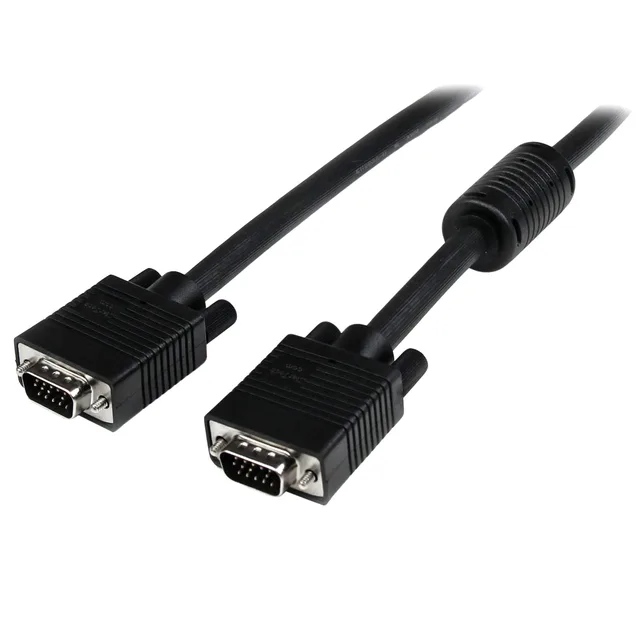
VGA cable
Link equipment with VGA video ports. The plug arrangement, installed distance and surrounding clearance are useful starting points for sourcing.
No matching products. Try another connector or device.
Define your requirements
Use these fields to describe your request. Availability, performance and commercial terms need confirmation for the exact item.
- Device models and intended use
- Connector at each end
- Required performance
- Length and installation
- Quantity and packaging
Have a product in mind?
Tell us what you need, how many and where it is going. We’ll help you work through the details.